App Screenshots
Official Screen Captures
High-resolution app screenshots. For editorial and review use.
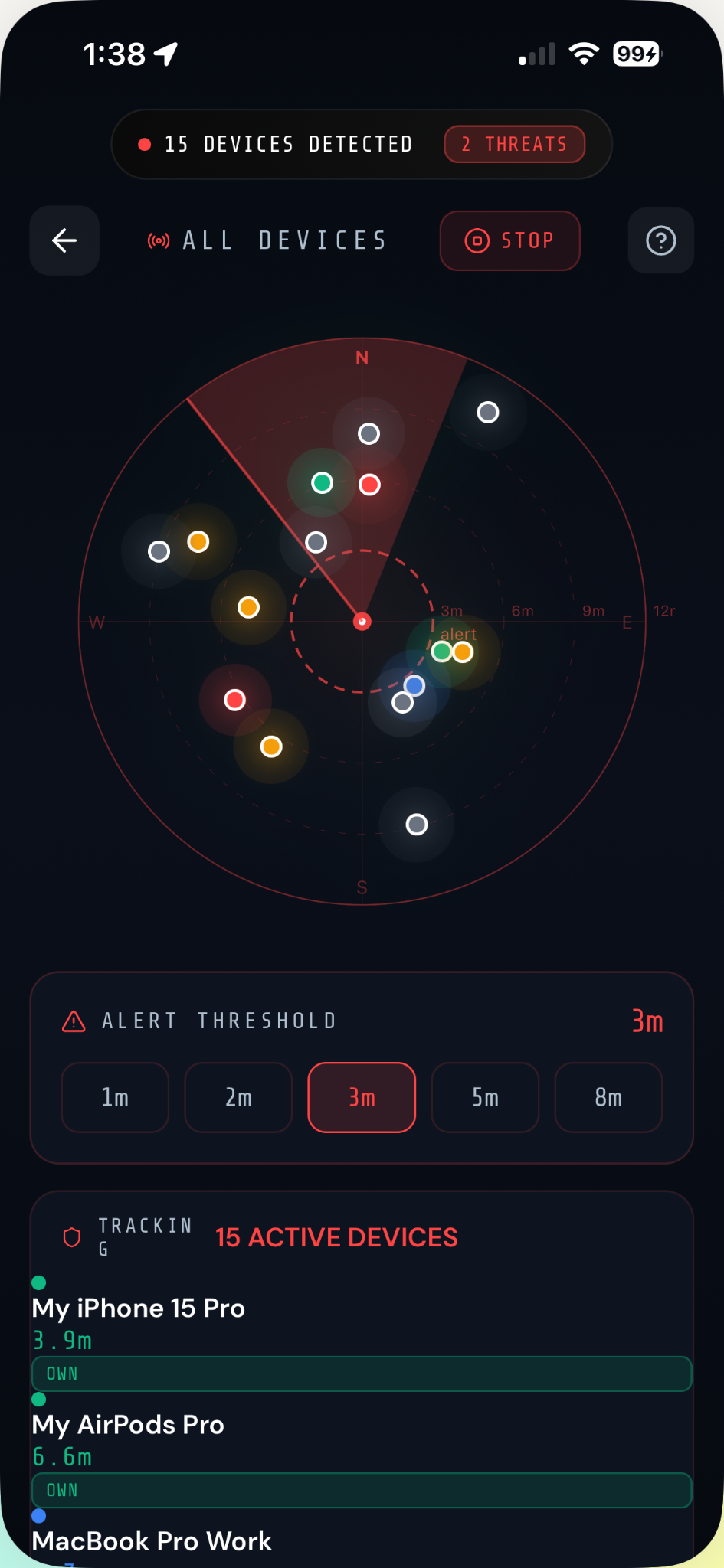
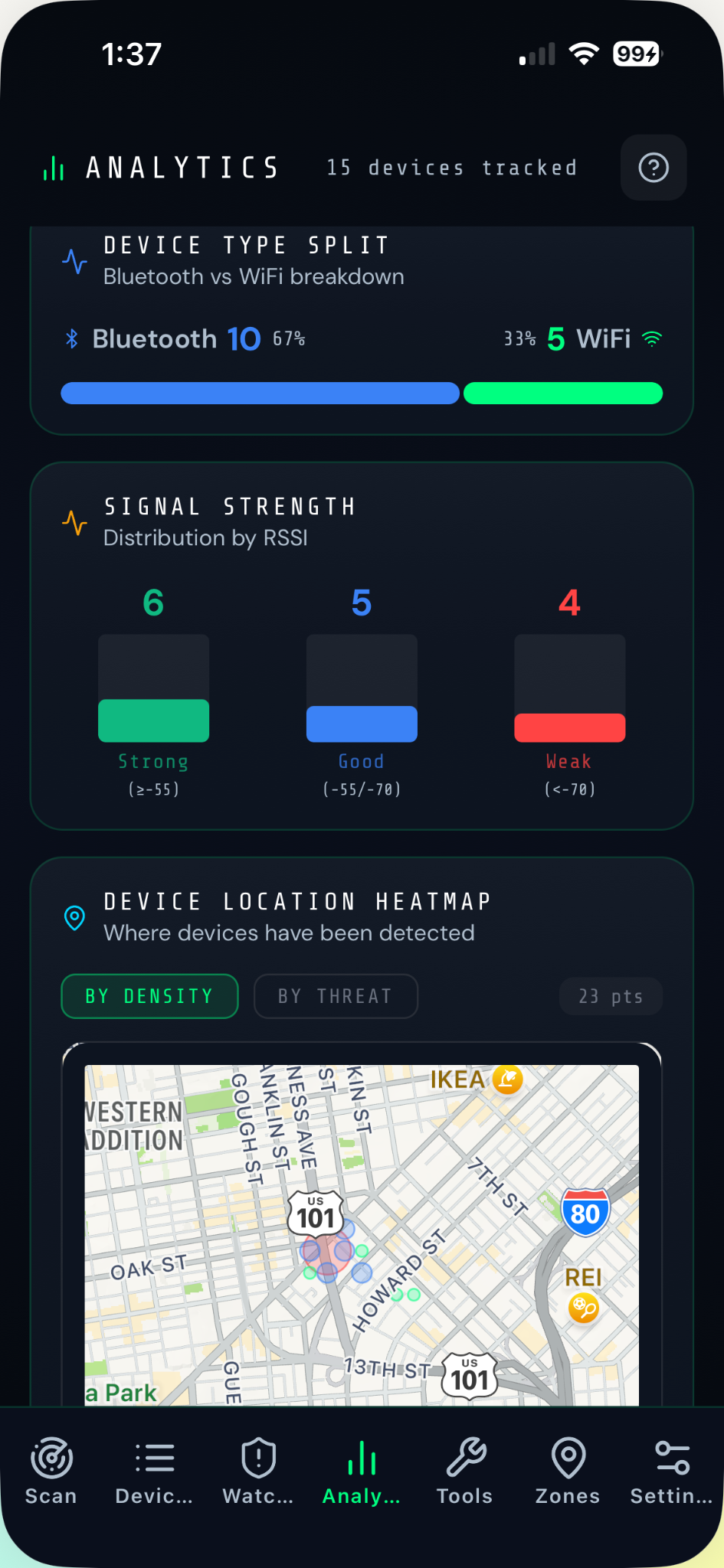
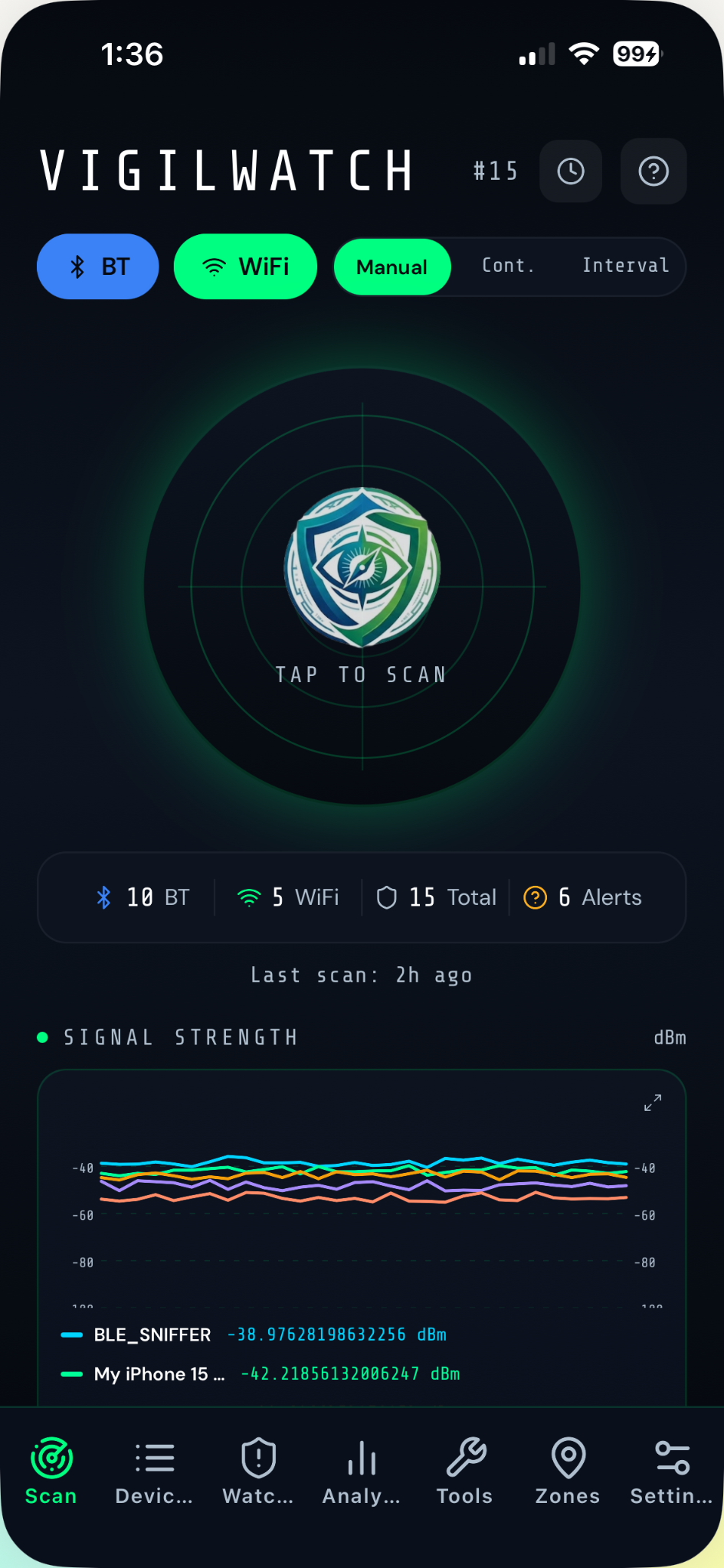
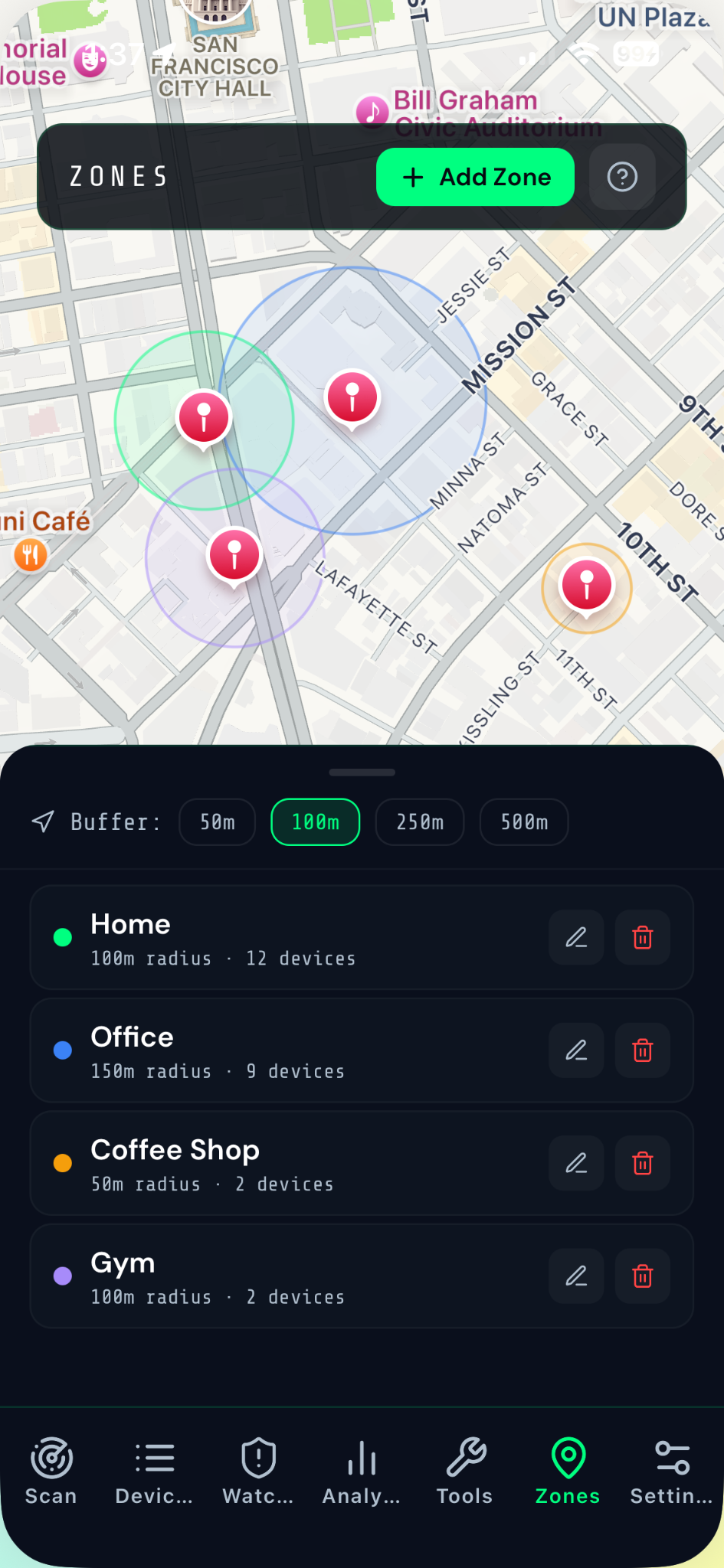
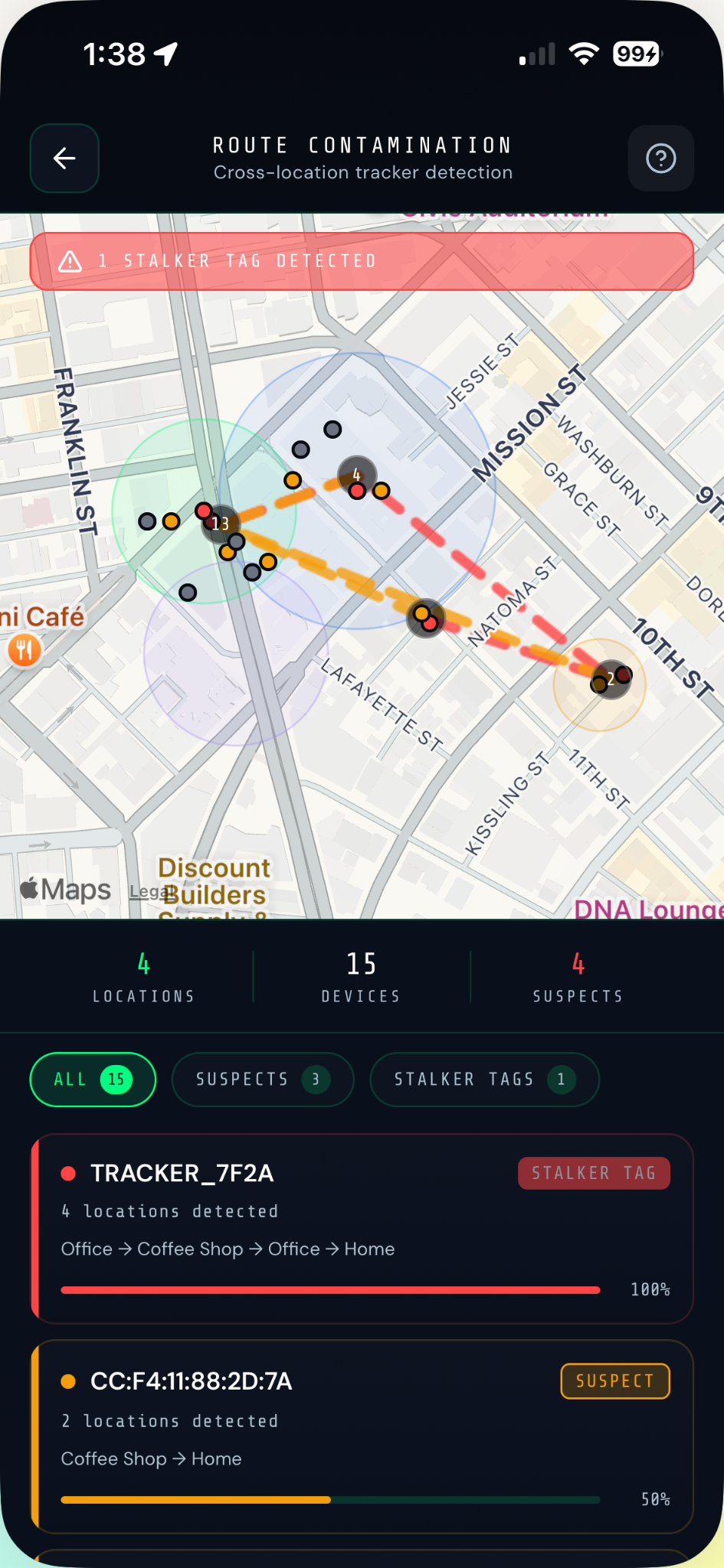
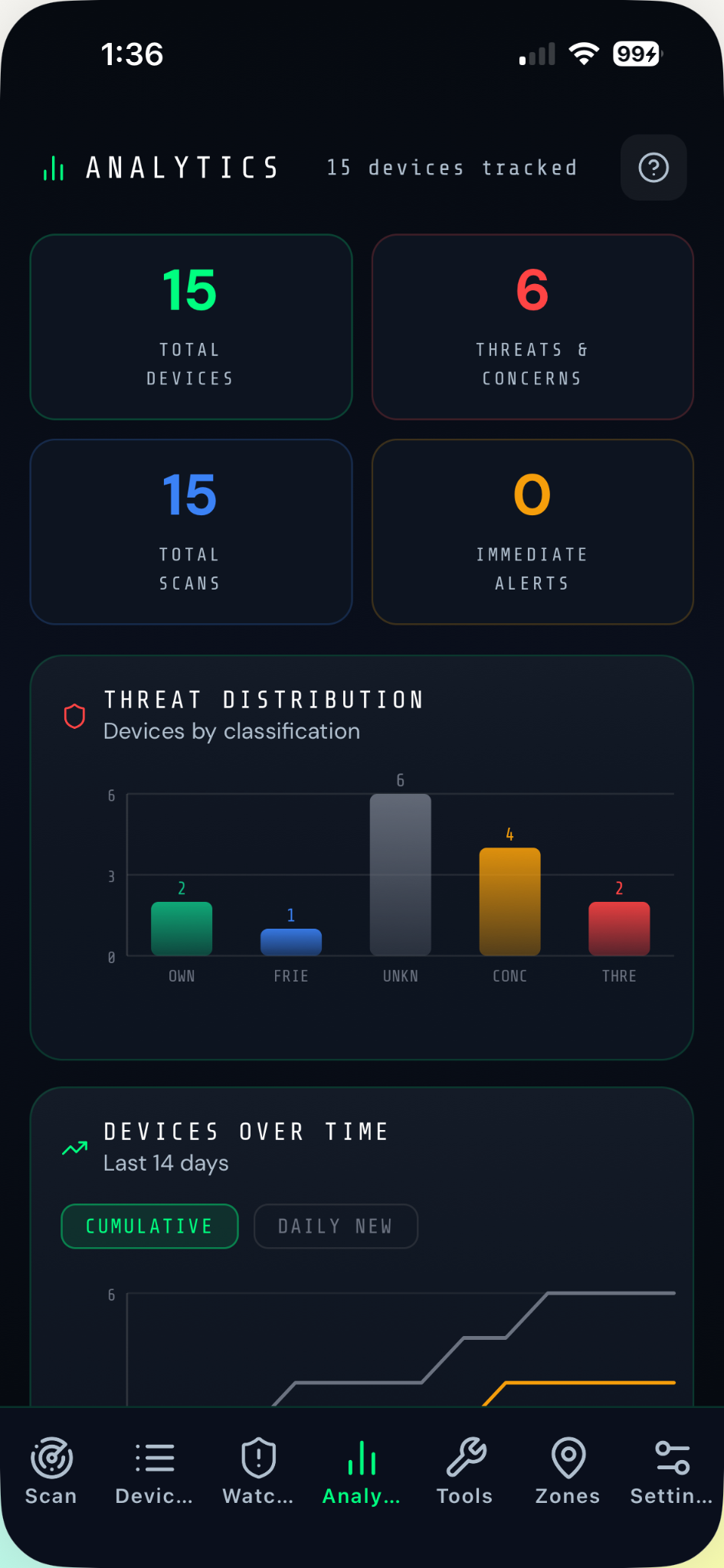
Everything journalists, content creators, and partners need to cover VigilWatch — logos, screenshots, video assets, app facts, and press contact.
"VigilWatch is a free personal security scanner for iOS & Android that fingerprints AirTags, Tiles, and Samsung SmartTags from raw BLE signals, detects rogue WiFi networks, maps Follow-Me patterns across locations, and generates court-ready PDF evidence reports. 100% local. No account. No cloud."
"VigilWatch is a personal security scanner for iOS & Android that detects AirTags, Tiles, Samsung SmartTags, and other surveillance hardware broadcasting nearby — without requiring Apple's notification system or any specific ecosystem.
Tag Fingerprinting identifies 7 tracker brands by their raw BLE advertisement signatures. The Route Contamination Map cross-references scan sessions to detect devices that have appeared at 3+ of your locations — the pattern a stalker's tracker leaves behind. UWB Proximity Tracker narrows the physical hiding spot of any suspicious device to within a few meters. Rogue WiFi networks and evil twin access points are flagged automatically.
A professional PDF evidence report with a unique case number, full location timeline, behavioral pattern analysis, and legal disclaimer can be exported in one tap — ready for law enforcement.
All data stays on your device. No account. No cloud. No server. Free to download."
High-resolution app screenshots. For editorial and review use.
PNG · Light background
PNG · Dark background
PNG · 1024×1024
Primary typeface: Inter (Google Fonts). Headlines use weight 800–900. Body uses weight 400–600. The app's UI headers use tracked uppercase spacing (letter-spacing: 0.1em) for the tactical/security aesthetic.
Illustrative video scenarios available for editorial use. Contact support@vigilwatch.app for high-resolution versions.
Tracker hidden in bag following a woman on her morning commute.
BLE sniffer hidden in a hotel room USB charger detected at close range.
Mobile rogue access point detected across multiple café locations.
BLE scanning device positioned to collect commuter device data.
Tracker device detected at high signal strength in an isolated location.
Tracking device on a vehicle triggers Alert Immediately mode.
For interviews, review copies, additional assets, or custom media requests — reach out directly.
By SeaGlass Development · vigilwatch.app